Resources uRAD

Everything
to build with
uRAD radar

Everything you need to integrate, test and develop with your uRAD radar: documentation, SDKs, examples and ready-to-run applications.

01 · Documentation

All documentation,
by product

Search by name or filter by product family and document type. PDFs open in a new tab and SDKs download as ZIP files.

5 filesGeneral

Catalogues and technical articles

General documentation for the range

5 filesSolutions

uRAD Smart Traffic Solutions

Traffic counting and classification

02 · Open source

Your mmWave radar,
ready to program

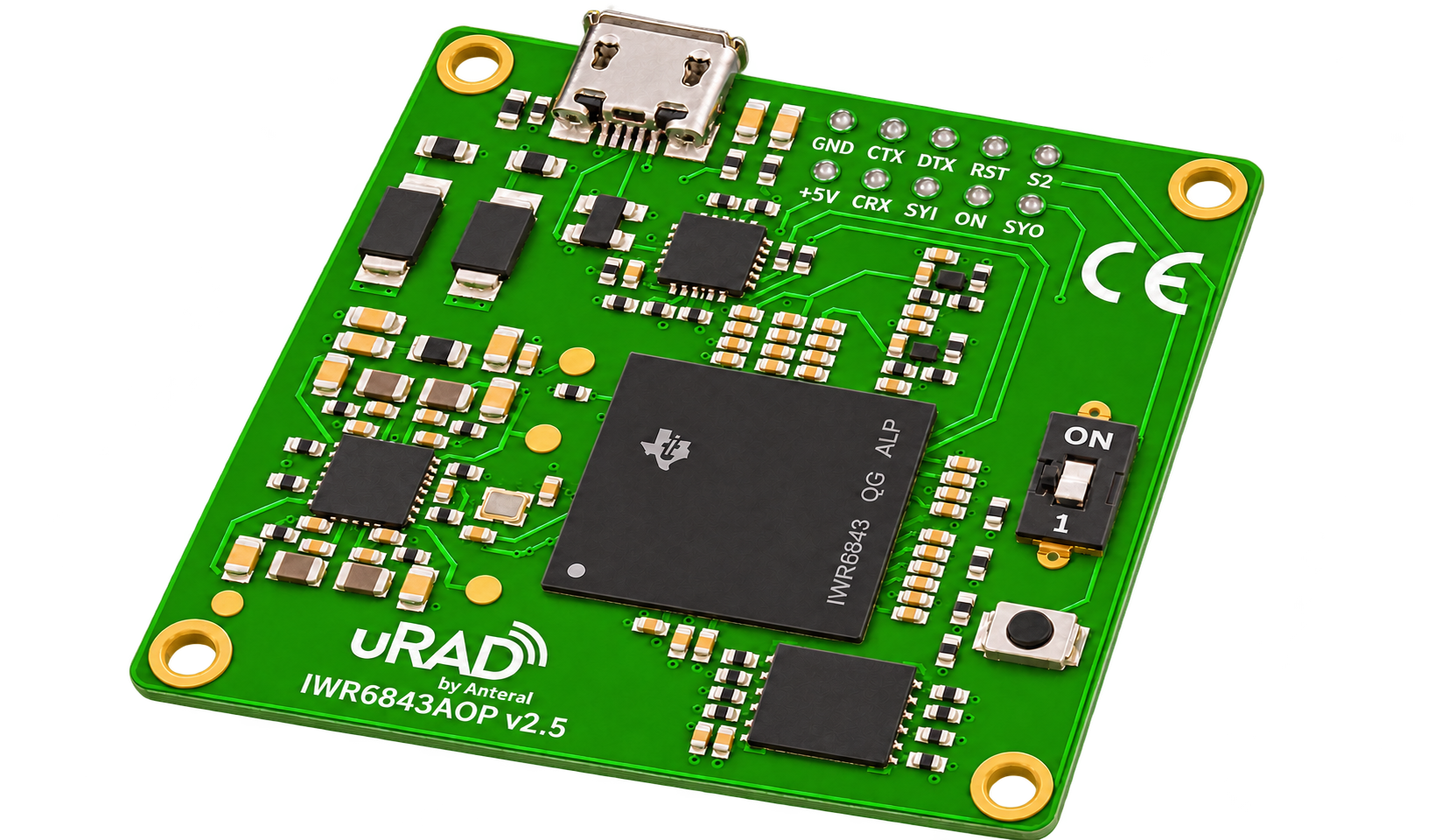
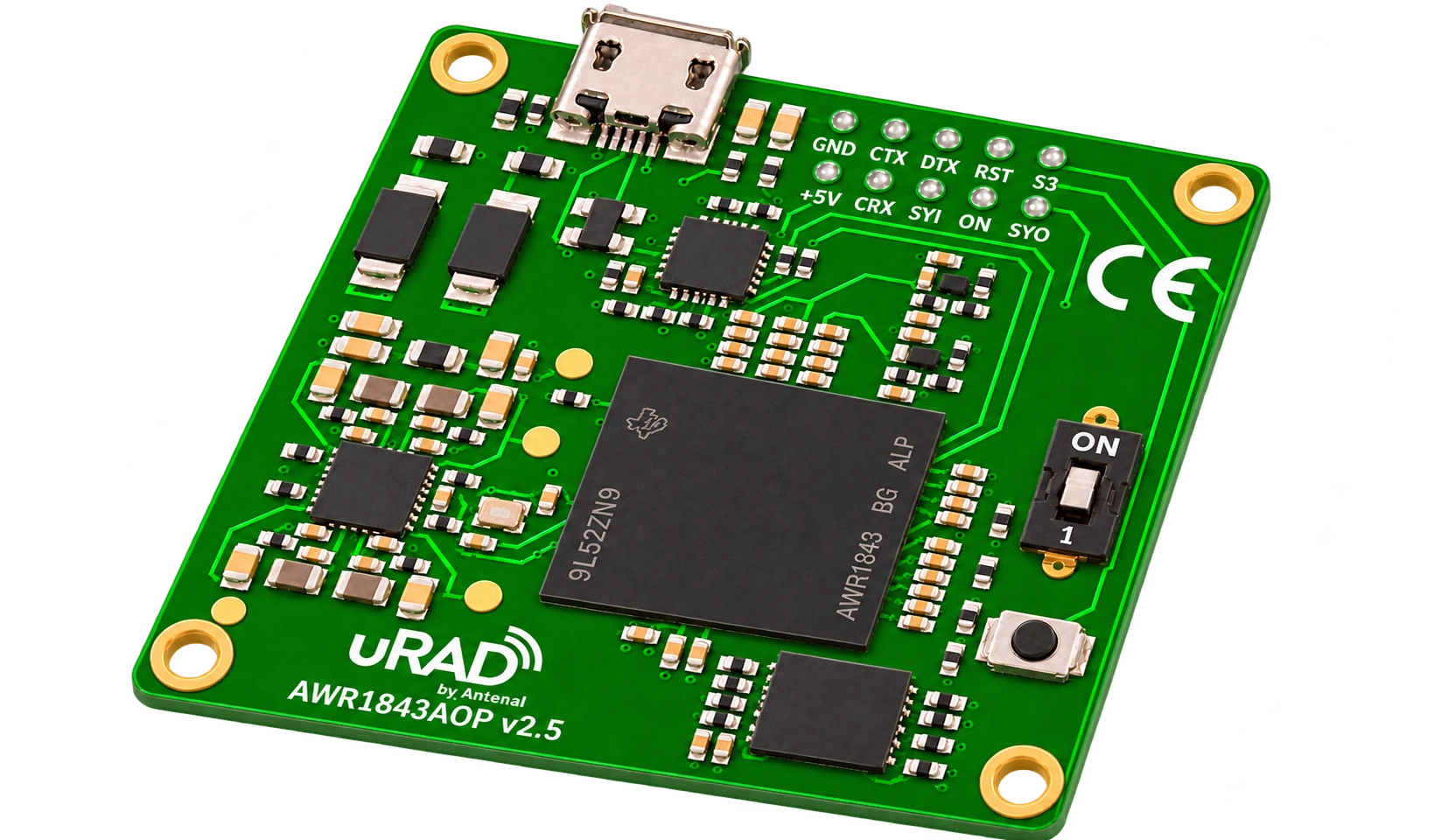
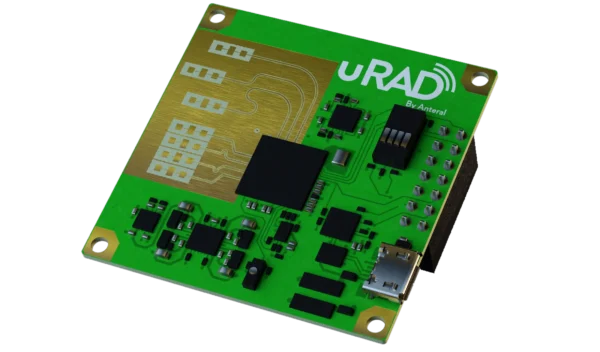
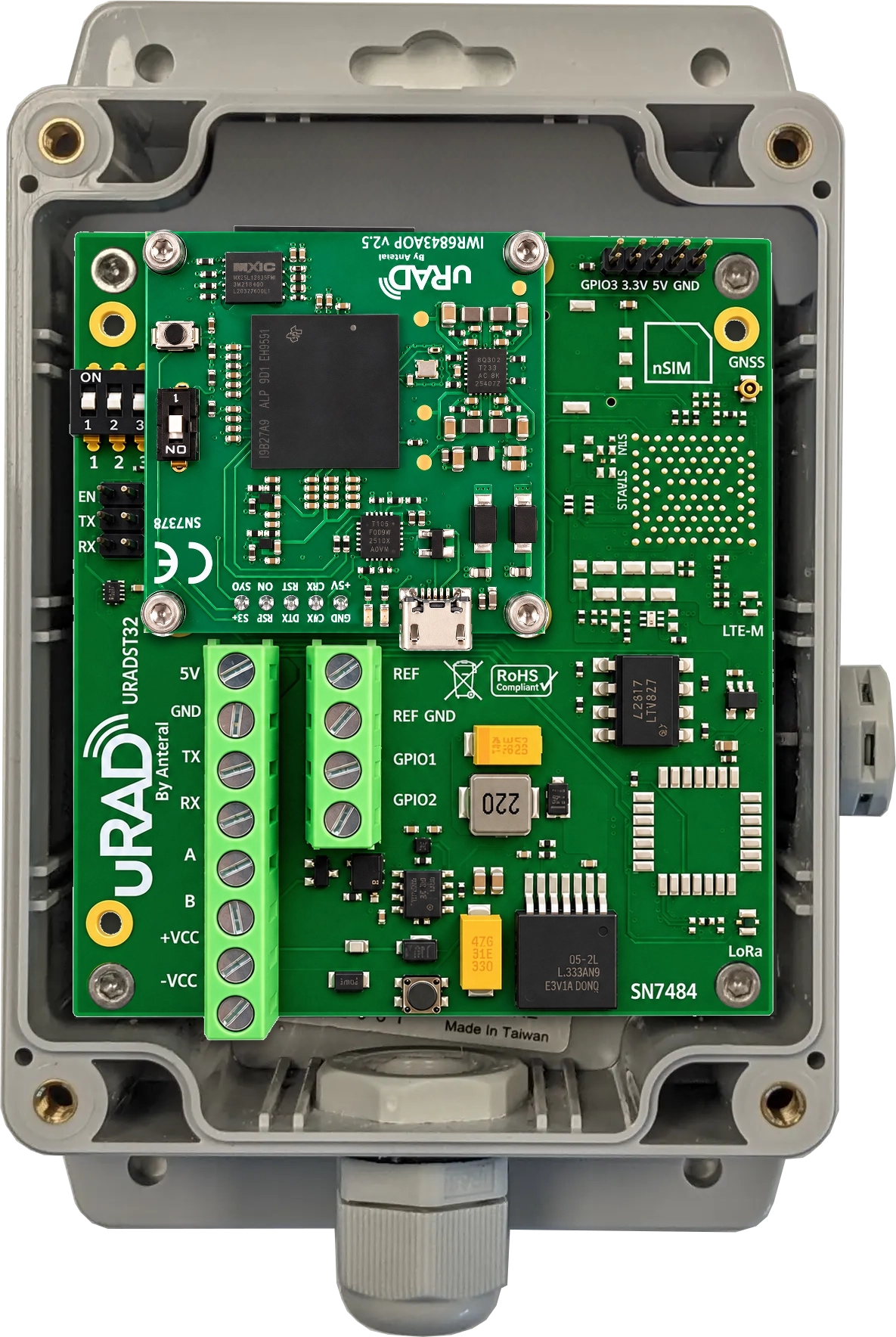
Each mmWave board has its own repository with documentation, firmware and applications, including the Texas Instruments programs to test it. A shared Python library connects them all to real-time visualization and to each application client.

3
Board SDKs
10
Application clients
MIT
Code licence

Installation and first demo

  1. git clone https://github.com/urad-by-Anteral/urad-mmwave-core.git
  2. cd urad-mmwave-core
  3. pip install .
  4. urad-mmwave --config profiles/automotive/config_radar.json --data-port COM7 --control-port COM8

Clone the repository, move into its folder, install it and launch the real-time visualization. The board must run the Texas Instruments out-of-box firmware. Replace COM7 and COM8 with your ports (Enhanced = control, Standard = data) and the profile with your board’s: automotive, automotive-hpa or industrial.

PythonAWR / IWR mmWavemmWave SDK 3.x

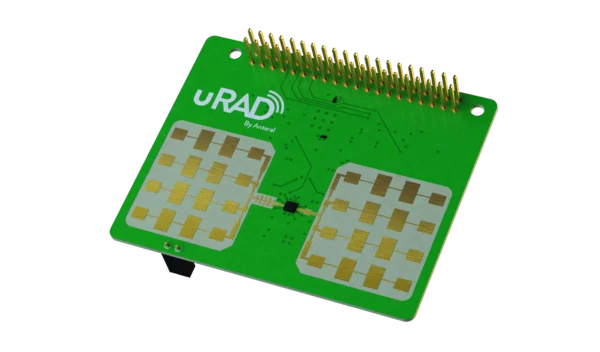
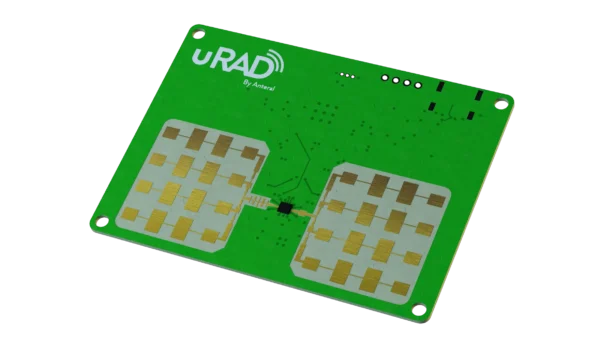
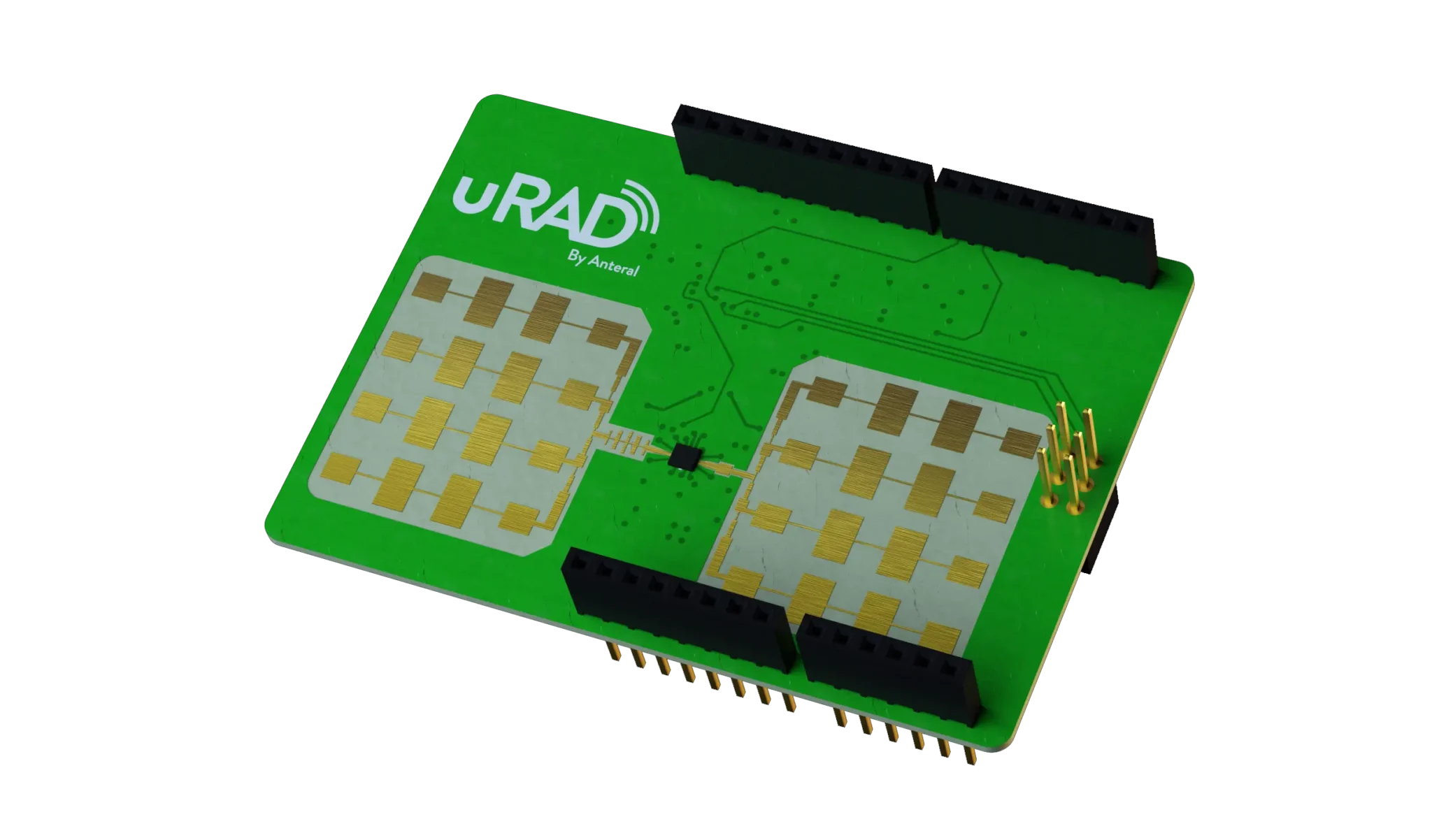
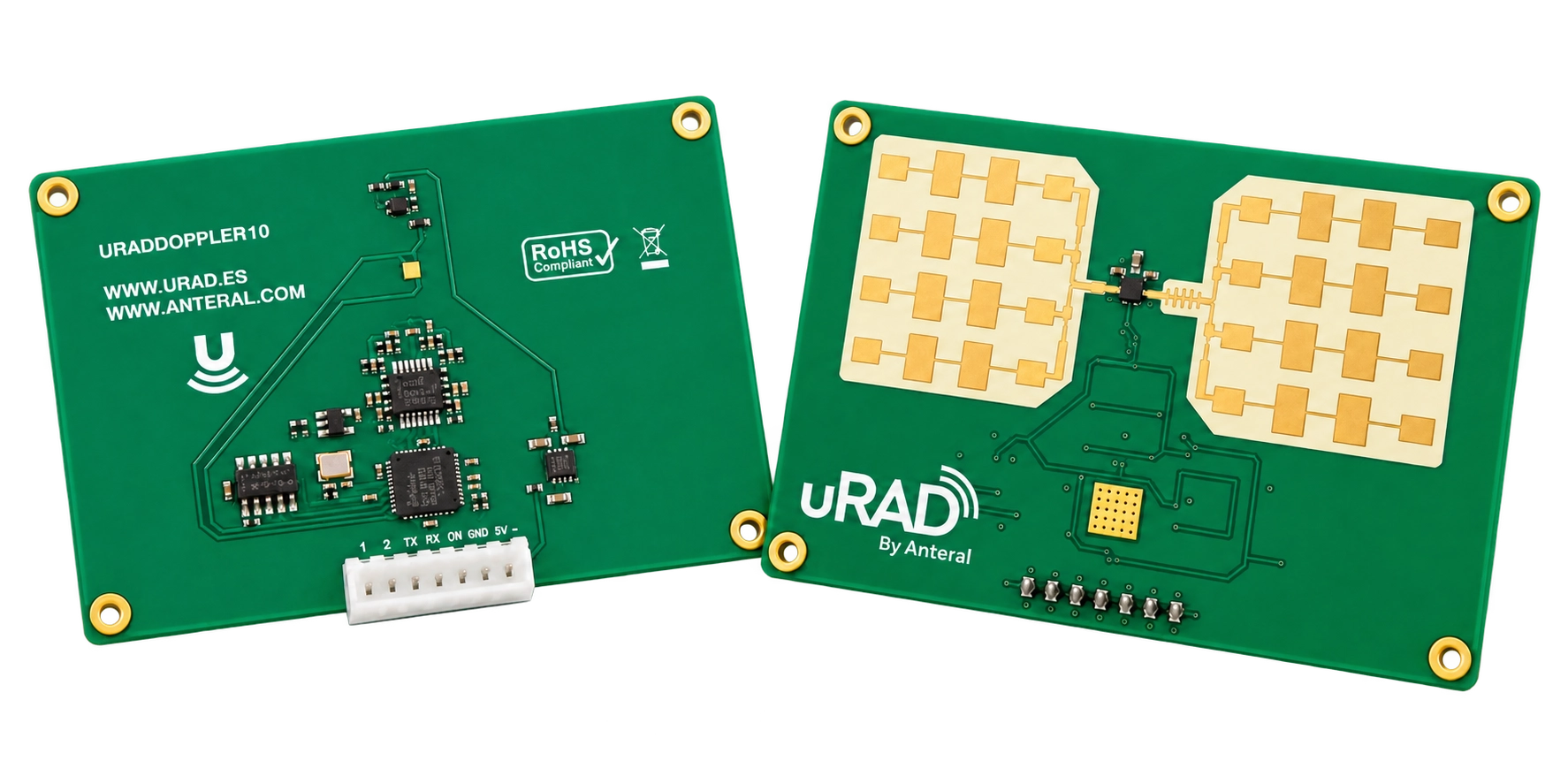
24 GHz boards (Raspberry Pi, USB and Arduino): their SDKs download as ZIP files from the documentation.

Documentation and resources

Can’t find what you need?

Tell us which product you use and what you need: documentation, firmware or help evaluating your application.